Reimagine Google Earth with AI

AI Google EarthImage Generator

Find a place you love in Google Earth, upload a photo you have the rights to edit, and use the Nano Banana AI model to reimagine it as a historical, futuristic, or creative scene.

How the Google Earth AI image generator works

Three steps from a place to a new visual

A simple, upload-first path from Google Earth location inspiration to a finished AI place visualization — no prompt writing required.

Google Earth opening screen for exploring a place
01

Explore a place

Open Google Earth to browse any city, landmark, or landscape for visual inspiration. Look for a location with interesting architecture, terrain, or atmosphere — then plan to upload a photo you personally took of a similar place.

Open Google Earth
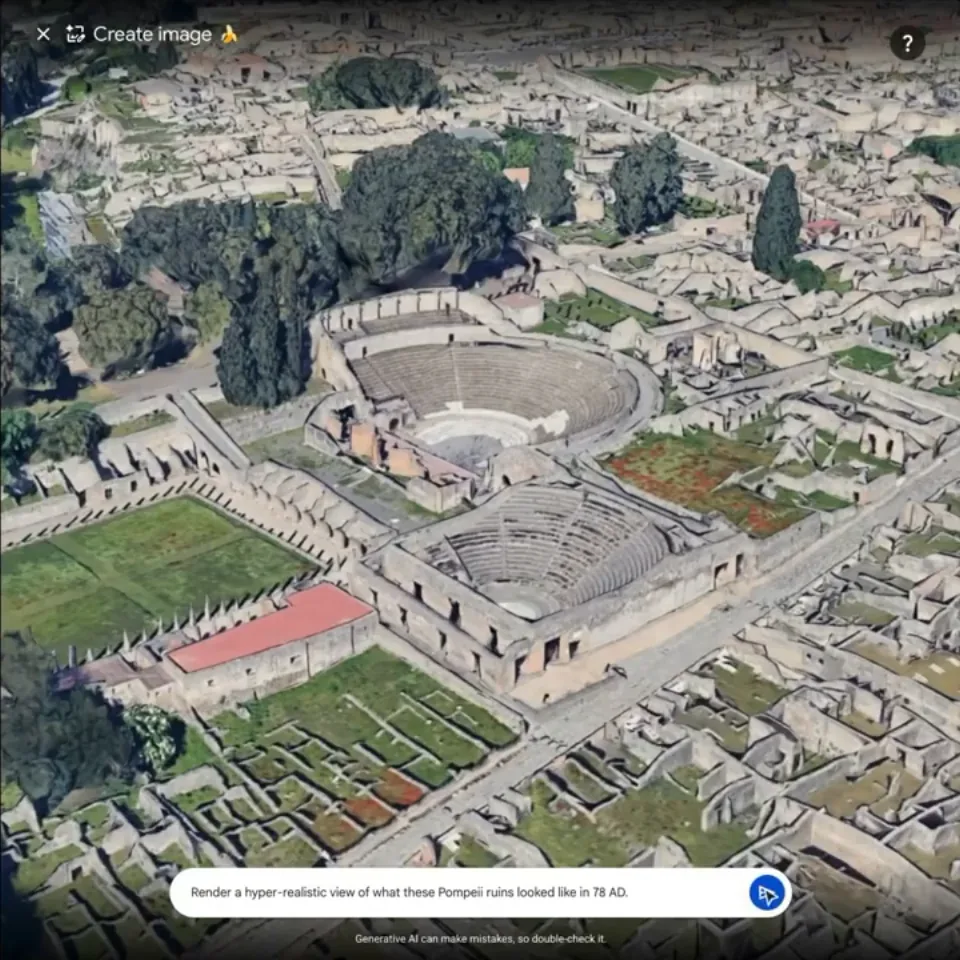
Google Earth create image prompt over Pompeii
02

Upload a licensed image

Upload a photograph, street-level image, or landscape photo you personally own or have explicit written permission to edit, use, and share. The AI Google Earth generator works on any image you have full rights to.

Continue to upload
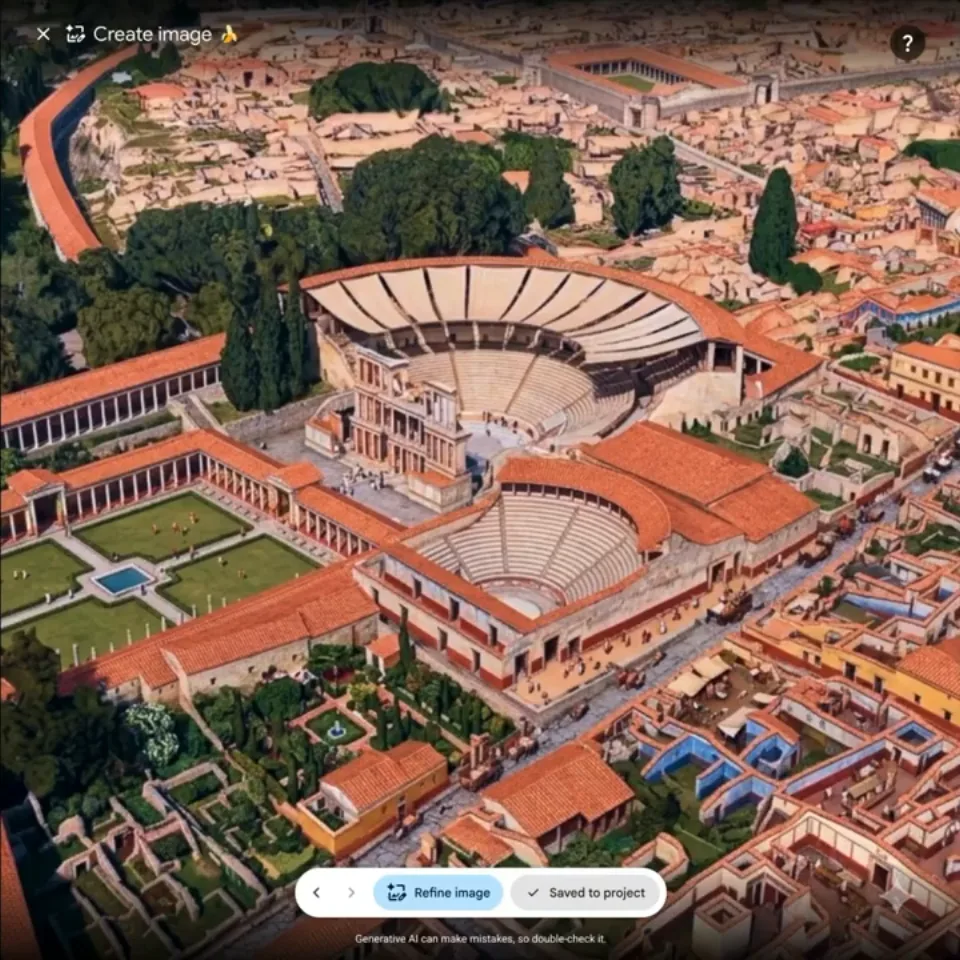
Google Earth AI image result showing a reconstructed Pompeii
03

Reimagine it with AI

Select a visual direction and let the Nano Banana AI model reimagine your Google Earth–inspired image as a historical scene, a future cityscape, a creative illustration, or a seasonal shift — automatically, with no prompt required.

Start creating

AI Google Earth generator — scene styles

Upload your own place image and let the Nano Banana AI model transform it into one of these automatic visual styles.

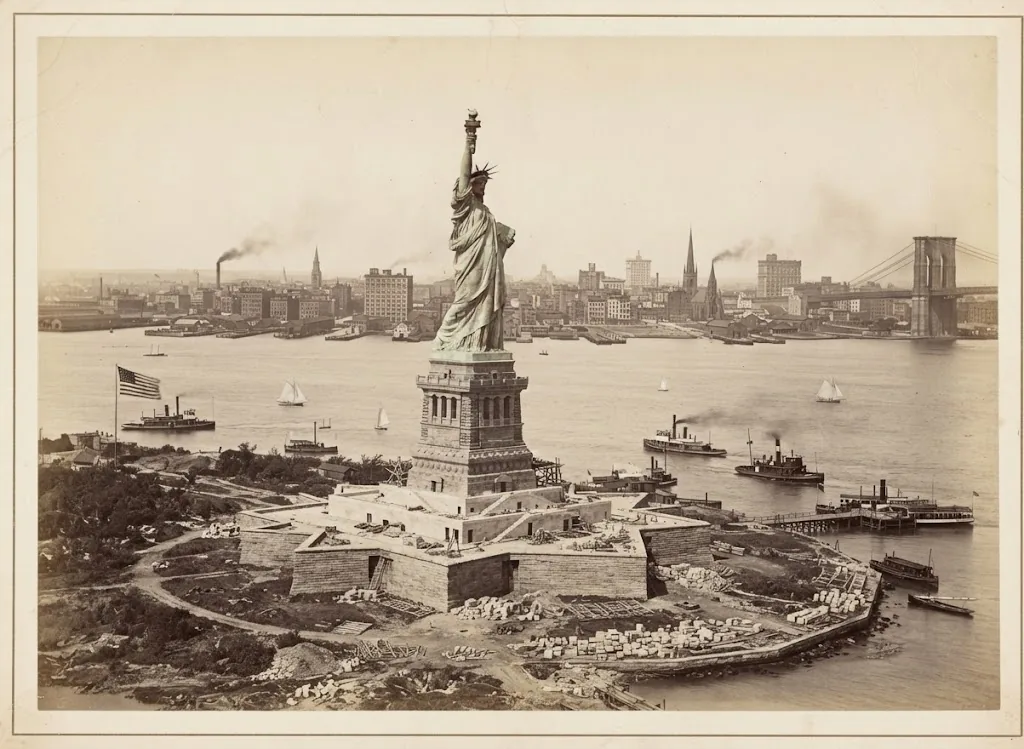
Historical place AI Google Earth example

Historical place

Turn a modern street, square, or landscape into an earlier era. The AI adds period-accurate architecture, cobbled surfaces, horse-drawn transport, and warm soft light suited to that century.

Open the generator
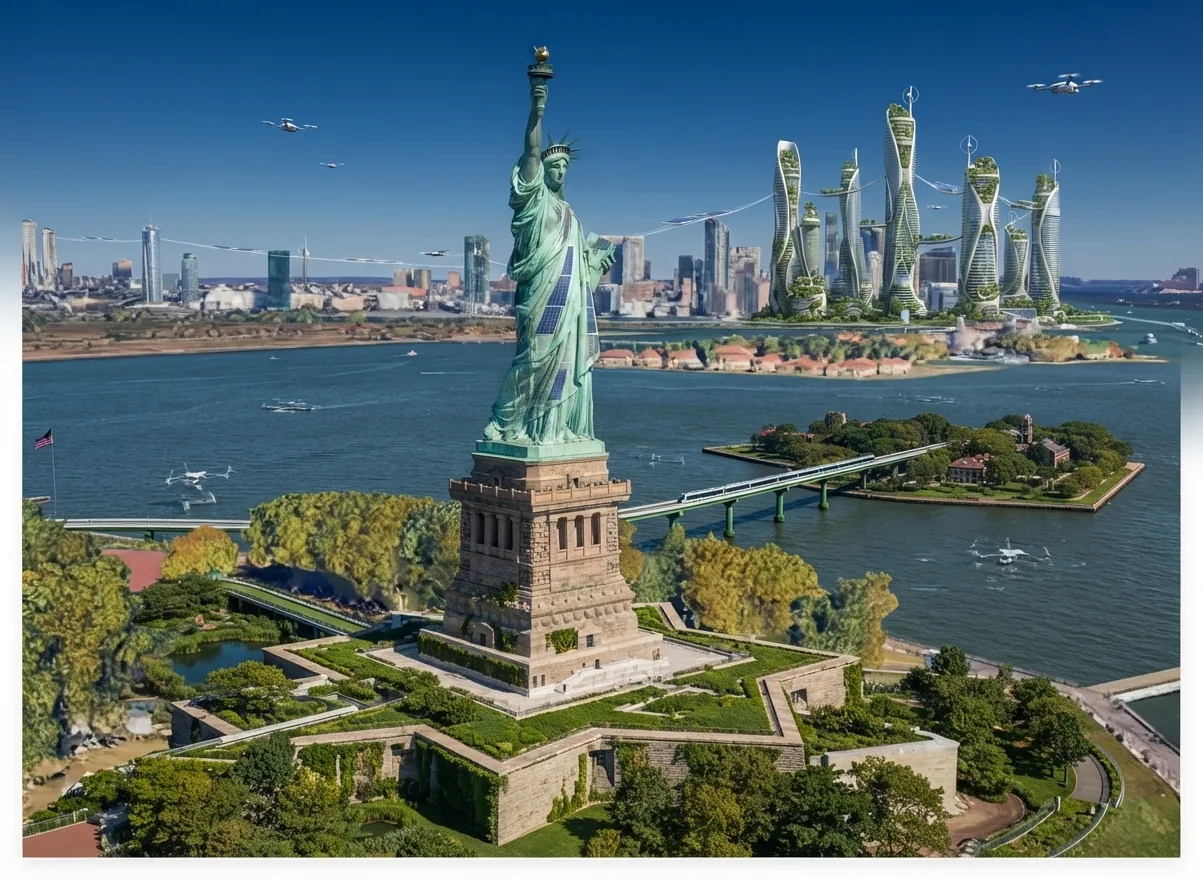
Future place AI Google Earth example

Future place

Project a location forward by fifty years. The AI adds layered green terraces, solar canopies, elevated walkways, silent electric transit, and optimistic concept-art lighting to the place you provide.

Open the generator
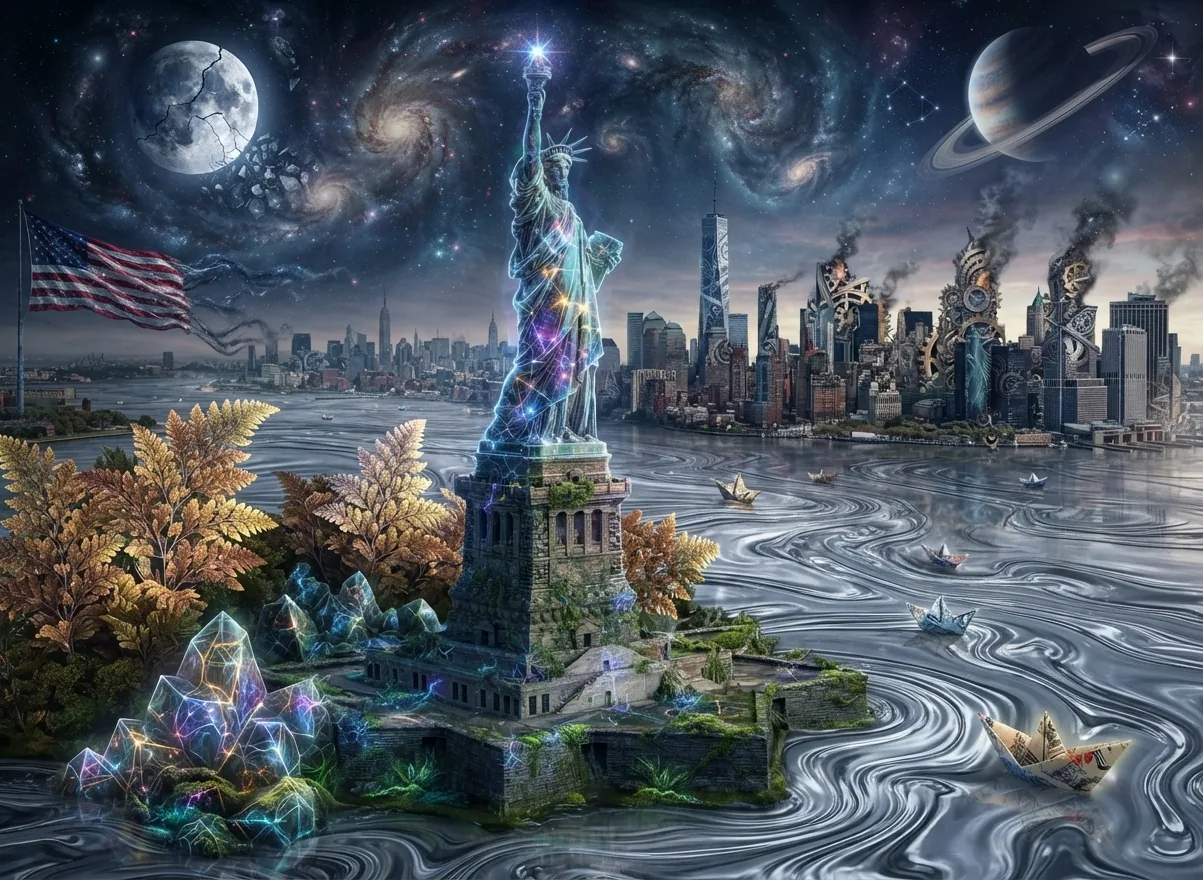
Creative place AI Google Earth example

Creative place

Push a familiar street or landscape beyond realism. Choose hand-painted watercolor, cinematic fantasy, graphic novel style, or another imaginative direction — the AI reimagines the place within that aesthetic frame.

Open the generator
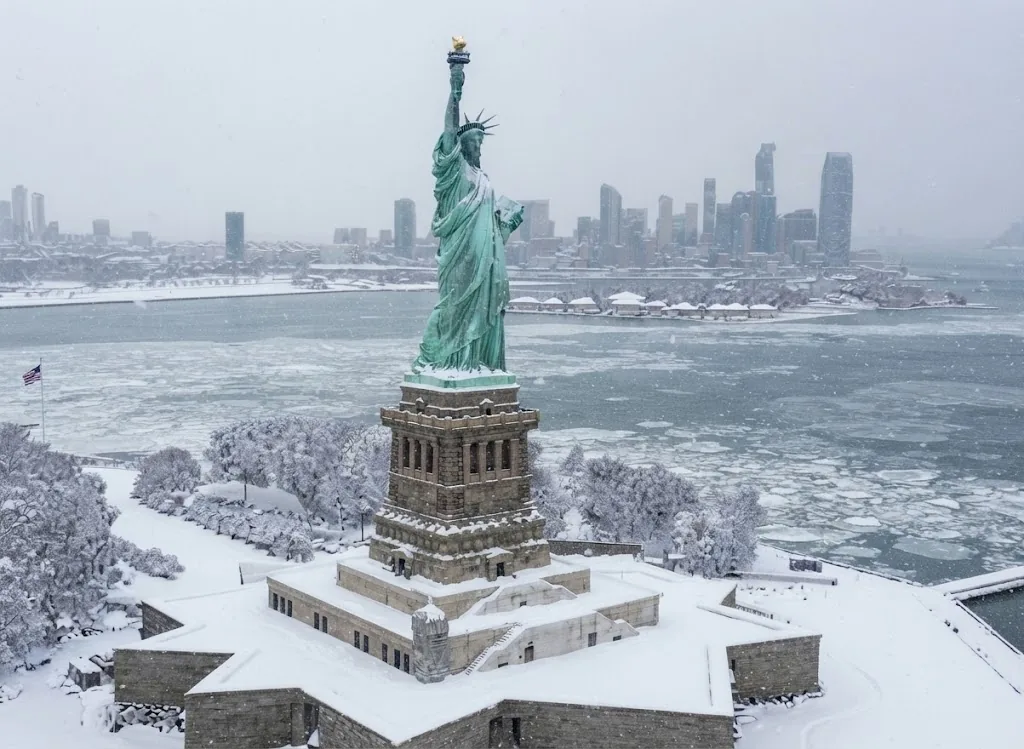
Season and weather shift AI Google Earth example

Season and weather shift

Keep the exact spatial layout of your place and let the AI shift it into deep winter, golden-hour summer, misty autumn, or dramatic blue-hour night — with matching light, atmosphere, and surface textures.

Open the generator

Upload only what you have the rights to

This tool works on the image you provide. Keeping uploads clean keeps your results usable.

  • Upload photos you shot yourself, or images you have written permission to edit, use, and share.
  • Do not upload map screenshots, satellite imagery, or other third-party visuals you do not have rights to.
  • Use Google Earth to explore for inspiration only. This site does not import, process, or provide Google Earth imagery.
  • You stay responsible for the images you upload and for how you use the results.

Independent tool. Not affiliated with, endorsed by, or sponsored by Google or Google Earth.

AI Google Earth image generator — common questions

Everything you need to know to reimagine Google Earth locations with AI — what this tool does, what it needs from you, and what it will not do.

Reimagine a place with AI Google Earth

Bring an image you have the rights to edit and reimagine Google Earth locations as historical, futuristic, or creative scenes.

Independent tool. Not affiliated with, endorsed by, or sponsored by Google or Google Earth.